
Support in the moment
Give learners a place to ask a question, explore an example, or practise a new skill without leaving the course.
Bring your AI assistant into Moodle™. Keep the conversation close
to the course, the materials, and the moment it matters.
LEADERSHIP IN PRACTICE / ACTIVITY 02
The right conversation can help someone see a new possibility. Let’s explore how to make your feedback thoughtful, specific, and useful.
What made the feedback helpful?
How did it change what you did next?
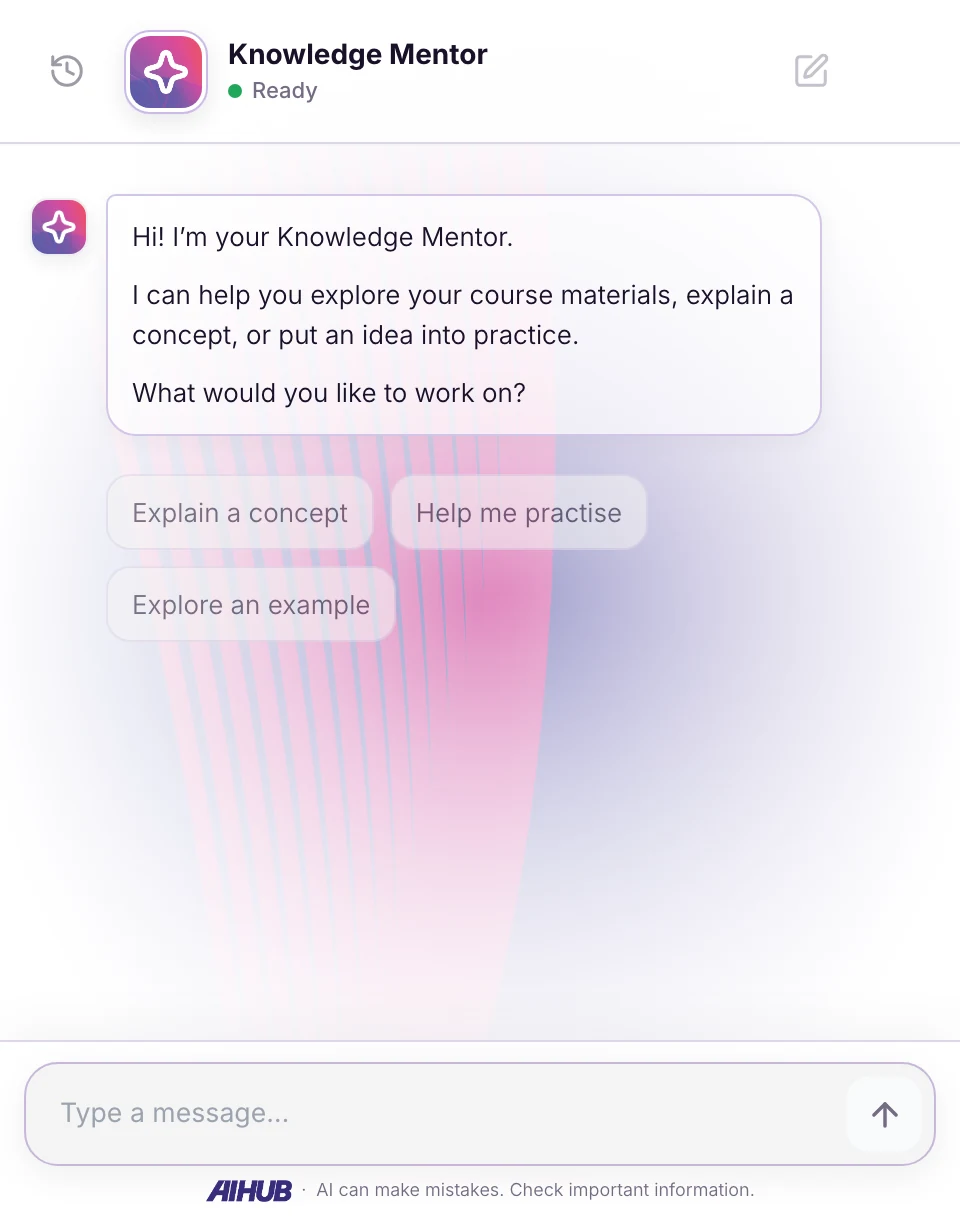
Product screenshot · No live conversation
Floating display keeps support close, without taking learners away from the content.
PART OF THE EXPERIENCE
Help learners move from reading about an idea to making it their own.
Give learners a place to ask a question, explore an example, or practise a new skill without leaving the course.
Use a floating assistant for support alongside your content, or an inline experience for a focused learning activity.
Use Moodle™ course access and a pseudonymous user reference to connect learners with the assistant.
FROM COURSE TO CONVERSATION
Start with a clear purpose for your assistant. Then find its place in your learning experience.
Discuss your Moodle™ setupChoose a template, add your materials, and test the conversations you want learners to have.
Install the free block plugin and connect your AI Hub Lab assistant with support from our setup guidance.
Choose floating or inline display, personalise its appearance, and introduce the activity to your learners.
ONE CONNECTED LEARNING EXPERIENCE
Your AI Hub Lab plan covers the assistant and its usage. Learners don’t need individual subscriptions.
A FEW GOOD QUESTIONS
Have a particular learning environment in mind?
Let’s talk it through